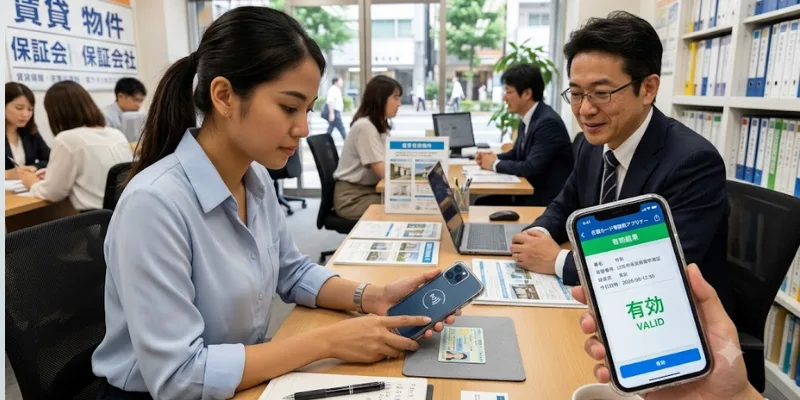

(保証会社) processing rental applications in Japan have started requiring applicants to submit a screenshot from the official Residence Card Checker app (在留カード等読取アプリケーション) — published by Japan’s Immigration Services Agency (出入国在留管理庁) — as proof that the Residence Card is valid and not a forgery. As of mid-2026, this requirement is still limited to a handful of companies (Sire being a notable example), but the trend is expanding and is expected to become more common across the guarantee company sector.
If you’re planning to rent an apartment in Japan, knowing about this requirement — and being prepared with the screenshot before your application — can prevent delays and avoid your application being put on hold while you scramble to download the app at the last minute.
Why This Requirement Exists
Guarantee companies are tightening residence card verification because fraudulent residence cards have been used in rental applications. Since guarantee companies are financially liable if a tenant defaults, they have strong incentive to confirm identity documentation is authentic before co-signing a lease.
The Residence Card Checker app solves this by using NFC (near-field communication) technology to read the IC chip embedded in your physical residence card and query the Immigration Services Agency’s database in real time. The result shows whether the card number is registered and whether it is currently valid — something that cannot be faked with a photo of a card alone.
This is an official government-issued verification method, and the app itself is developed and maintained by Japan’s Immigration Services Agency (ISA) under the Ministry of Justice.
How to Use the Residence Card Checker App: Step by Step
Step 1 — Download the App
Search “在留カード等読取アプリケーション” on the App Store (iOS) or Google Play Store (Android), or look for “Residence Card Checker” in English.
The app is free and published by the Immigration Services Agency of Japan. Official information and download links are available at: https://www.moj.go.jp/isa/applications/procedures/rcc-support.html
Note: Verify you’re downloading the official government app. The icon shows a green residence card image on a dark blue background.
Step 2 — Enter Your Residence Card Number
Open the app and tap “登録情報の照会” (Registration information inquiry).
On the first screen (Step 1), enter your 12-character residence card number (在留カード等番号) — this is the alphanumeric code printed on the front of your card (format: 2 uppercase letters + 8 numbers + 2 uppercase letters, e.g. AB12345678CD).
Tap “次に進む” (Move forward) to proceed.
Step 3 — Read Your Card with NFC
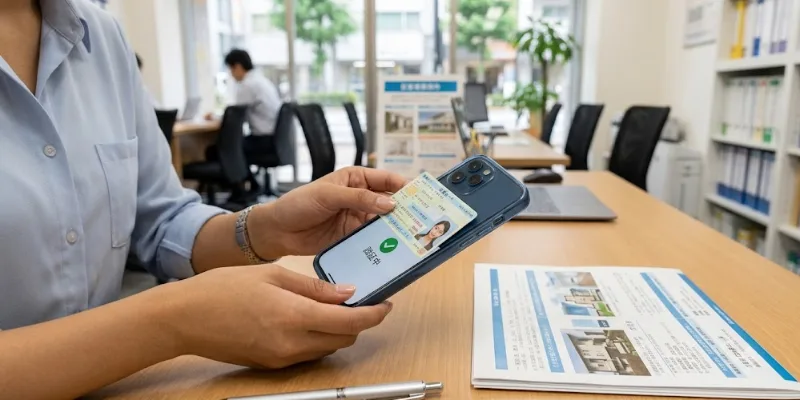
On the second screen (Step 2), hold your physical residence card against the NFC reader area of your smartphone — typically the back of the device near the top (iPhone) or center (most Android).
Tap “カード読み取り開始” (Start Reading Card) and keep the card still until the reading is complete. This usually takes 3–10 seconds.
Your phone must support NFC. Most smartphones released after 2018 do. If your device doesn’t have NFC, ask someone with a compatible phone to complete this step on your behalf using your card.
Step 4 — Take a Screenshot of the Result
Once the reading is complete, the app will display the verification result showing whether your residence card is valid (有効) or invalid. This screen also displays your card number and relevant registration details.
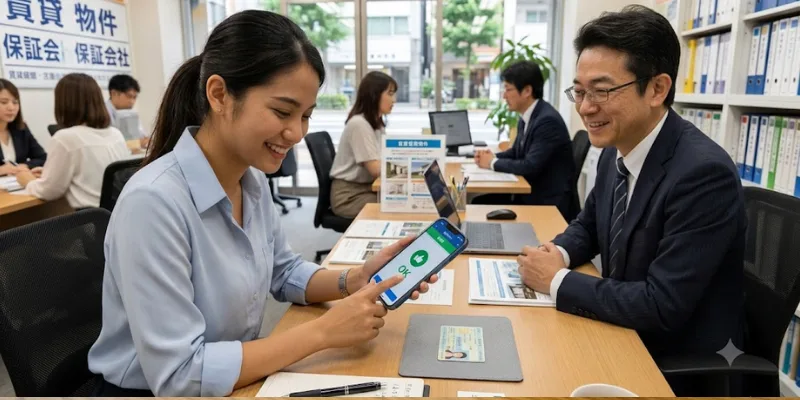
Take a screenshot of this result screen. This is the image your guarantee company or agency will request as part of your rental application.
What the Screenshot Should Show
A valid screenshot submission should display:
- Your residence card number
- Status showing the card is valid / registered (有効 or 有効期限内)
- The verification date and time
- The app interface clearly visible (not a photo of the screen — use the device’s built-in screenshot function)
If the result shows invalid or unregistered, contact the Immigration Services Agency directly — this may indicate a data entry error or that your card renewal hasn’t been processed in their system yet.
Which Guarantee Companies Currently Require the Residence Card Checker
As of mid-2026, the Residence Card Checker verification is primarily being requested by:
- Sire (シーレ) — one of the first guarantee companies to implement this requirement systematically
Other guarantee companies are monitoring this approach and expected to expand similar requirements over the next 12–24 months. This makes it worth preparing the screenshot proactively for any new rental application, even if your specific guarantee company hasn’t yet mandated it.
How This Fits Into the Rental Application Process
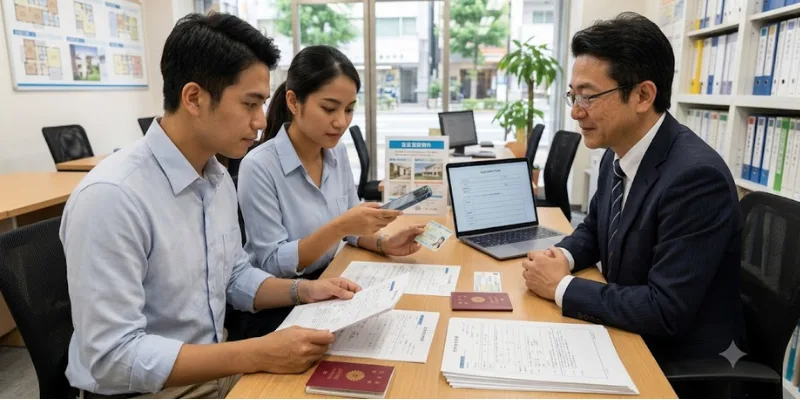
The Residence Card Checker screenshot is an additional document on top of the standard application package. It does not replace any existing requirement — it is submitted alongside:
- Residence Card copy (both sides)
- Passport copy
- Employment contract or income proof
- Emergency contact information
For a full overview of what documents you need when applying for an apartment in Japan, see our rent apartment in Tokyo step-by-step guide and our apartment financial proof Japan guide.
Troubleshooting: Common Issues with the App
“My phone can’t read the card.” Confirm NFC is enabled in your phone’s settings (Settings → NFC on Android; NFC is always on for iPhone 7 and later). Reposition the card slightly — the sweet spot varies by device model. Try removing your phone case if it’s thick.
“The app says my card is invalid.” This sometimes happens if your card was recently renewed and the database hasn’t updated yet. Wait 24–48 hours and try again. If the issue persists, contact the Immigration Services Agency directly via their support page.
“I don’t have NFC on my phone.” Ask a friend, family member, or your agency’s staff to perform the verification using their compatible device with your card. The screenshot just needs to show the correct card number and valid status.
“The app is only in Japanese.” The app interface is currently primarily Japanese, but the two key steps are straightforward: enter your card number, then touch your card to the reader. The screenshot result shows your card number and status in a format guarantee companies can read regardless of your own Japanese ability.
Why Being Prepared with This Screenshot Matters
Japan’s rental application timeline is tight — guarantee companies typically give feedback within 2–5 business days, and if additional documentation is requested mid-screening, it can delay your application by another 3–7 days while a hot listing potentially gets taken by another applicant.
Having your Residence Card Checker screenshot ready before you submit your application removes this delay risk entirely. We recommend taking the screenshot as part of your standard document preparation routine alongside your Residence Card photocopy and passport scan.
For more on avoiding common pitfalls that slow down applications, see our why rental applications get denied in Japan guide and our Japan apartment rental mistakes foreigners checklist.
What Arealty’s Team Will Ask For
If your application is processed through a guarantee company that requires this verification, your Arealty advisor will request the screenshot from you at the document submission stage. To keep your application moving smoothly:
- Download the app now, before you start your apartment search
- Do the verification and save the screenshot to your phone’s camera roll
- Send it to your advisor together with your other documents at the point of application
This takes about 5 minutes total and prevents a potentially week-long delay later in the process.
FAQ: Residence Card Checker App for Apartment Rental
Is this app mandatory for all rentals in Japan? Not yet. As of mid-2026, it is required by a small number of guarantee companies including Sire. But the trend is spreading — being prepared costs nothing and prevents delays.
Is the app safe? Can the guarantee company see all my card information? The app queries the Immigration Services Agency’s database directly and only returns a validity confirmation — it does not expose additional personal data beyond what’s already on your card. The app is officially published by the Japanese government.
What if I’m still waiting for my residence card after arriving in Japan? New arrivals who haven’t yet received their residence card (in transit or recently arrived) cannot complete this verification yet. In these cases, your agency will advise the guarantee company accordingly and this requirement is typically waived until your card is issued.
Does this apply to Special Permanent Resident Certificates (特別永住者証明書) too? Yes — the app also covers Special Permanent Resident Certificates, as indicated in its full Japanese name (在留カード等読取アプリケーション — the 等 meaning “and equivalent documents”).
Official reference: Immigration Services Agency — Residence Card Checker App
What This Means for the Broader Rental Application Process in Japan
The addition of the Residence Card Checker requirement reflects a broader tightening of the rental screening process for foreign nationals in Japan. Guarantee companies have historically relied on physical document inspection, but as the volume of foreign rental applications has grown and digital tools have become available, verification procedures are becoming more systematic.
For renters, this trend means two things in practice:
Document preparation is becoming more important, not less. The era of submitting a rough scan of your residence card and moving on is ending. Guarantee companies are verifying documentation more thoroughly — both for identity authentication and for financial screening. Arriving at an application with all your documents properly prepared, including newer verification tools like the Residence Card Checker screenshot, significantly reduces the risk of your application being flagged for additional review.
Processing times may temporarily extend during the transition. As guarantee companies roll out new requirements, there’s a period where their staff are learning new processes and some applications get delayed while documentation gaps are identified and resolved. Working with an experienced agency that already knows which guarantee companies require what documentation prevents these delays at the cost of slightly more preparation upfront.
For more context on how guarantee companies assess foreign applicants and what they’re looking for, see our Japan rental guarantor system guide and our guarantor company fee structure Japan guide.
Preparing Your Full Document Package: A Checklist
Given that requirements are evolving, here is the comprehensive document checklist for a Japan rental application as of mid-2026, including the newer Residence Card Checker screenshot requirement where applicable:
Identity verification:
- Residence Card (在留カード) — photocopy, both sides
- Residence Card Checker app screenshot showing card is valid (for Sire and companies adopting this requirement)
- Passport — copy of all relevant pages
Income and financial proof:
- Employment contract showing employer name and annual salary
- Payslips — most recent 3 months
- Income certificate (源泉徴収票) if available
- Bank statement — 3–6 months (especially for working holiday or student visa holders)
Additional documentation:
- Emergency contact in Japan (name, address, phone number)
- Certificate of Enrollment (for students)
- Sponsor letter (if income documentation is limited)
Guarantee company application:
- Completed online or paper application form (handled by your agency)
For a complete walkthrough of how each of these documents is used in the application process, see our apartment financial proof Japan guide and our rent apartment in Tokyo step-by-step guide.
A Note on Data Privacy
The Residence Card Checker app is operated by Japan’s Immigration Services Agency (ISA) and queries the official government residence registration database. When you run a verification:
- The app transmits your card number and NFC chip data to the ISA’s database
- The response confirms whether the card number is registered and valid
- No additional personal information is transmitted to third parties (guarantee companies receive only your screenshot, not any data directly from the app)
This is the same government database used by immigration officers at airports and borders — using the app to generate a screenshot for a rental application is simply providing landlords and guarantee companies access to the same verification mechanism that officials use. The ISA’s privacy policy and app data handling guidelines are available on their official website linked above.
→ Start your apartment search with English-language support from Arealty Japan

Real estate advisor at Arealty Japan, specialising in helping foreign residents navigate the Tokyo and Osaka rental markets. Lucy has guided hundreds of international renters — from Working Holiday visa holders to corporate relocations — through Japan’s apartment application process. Her writing draws on firsthand experience with landlord screening, guarantor companies, and foreigner-friendly listings across all 23 Tokyo wards and major Kansai cities.